01
Start with a clear review route
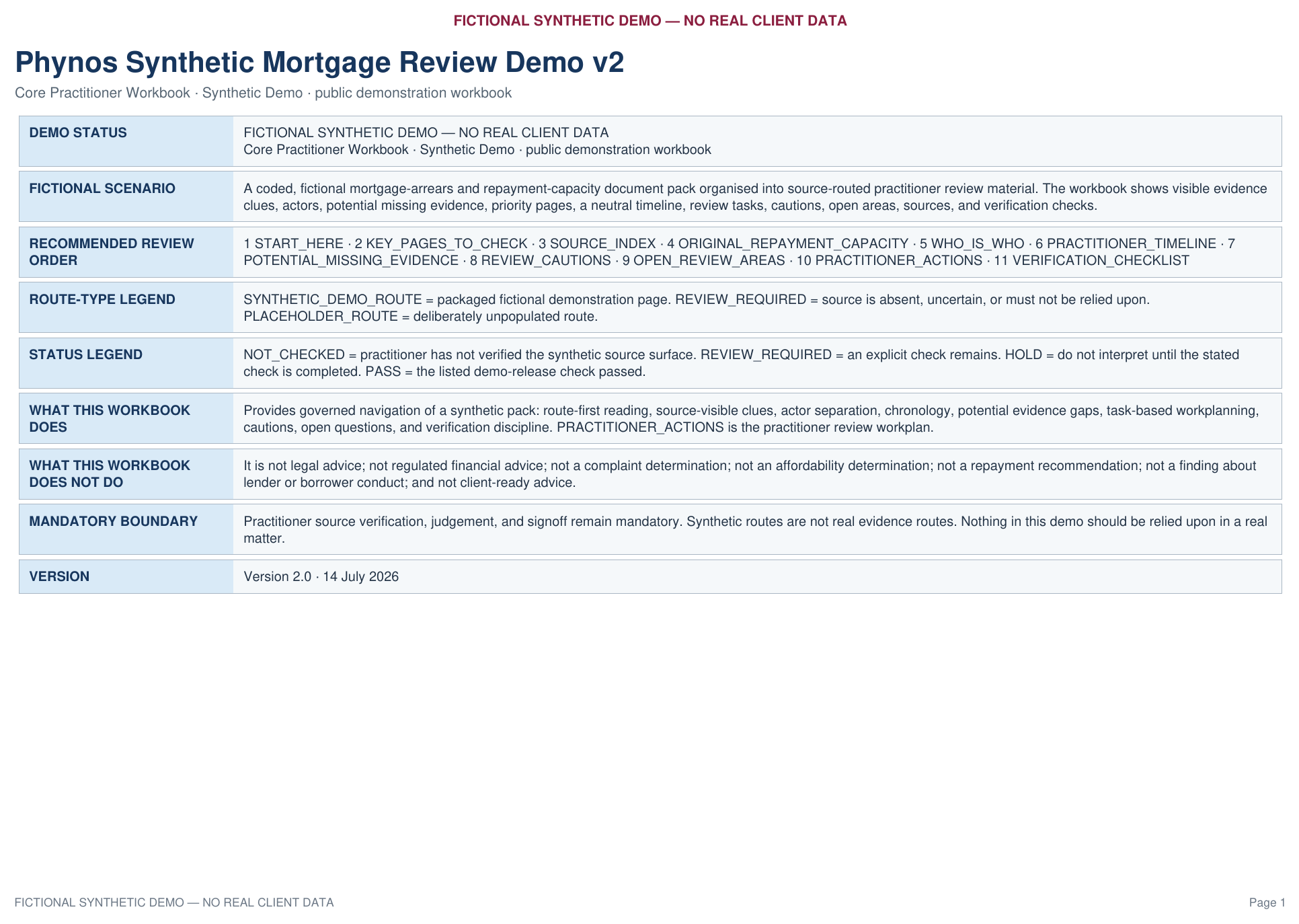
START_HERE explains the workbook boundary, recommended review order, route types and status terms.
Fictional demonstration · No real client data
This fully fictional example shows how Phynos Document Intelligence organises source documents, people, dates, potential missing information, priority pages, cautions, unresolved questions and practical review tasks—without making the professional decision.
The PDF provides the easiest visual walkthrough. The Excel file contains the complete workbook structure.
This is a fully synthetic example containing no real client data. It does not provide legal advice, regulated financial advice, affordability findings, repayment recommendations, complaint conclusions or findings about lender or borrower conduct.
The fictional scenario
The example pack contains an application summary, original assessment information, mortgage terms, account material, correspondence, a borrower circumstances note, partial income and banking evidence, a proposed arrangement and references to documents that are not included.
It is establishing what is present, what is incomplete, what needs checking and where the relevant pages are.
Workbook walkthrough
01
START_HERE explains the workbook boundary, recommended review order, route types and status terms.
02
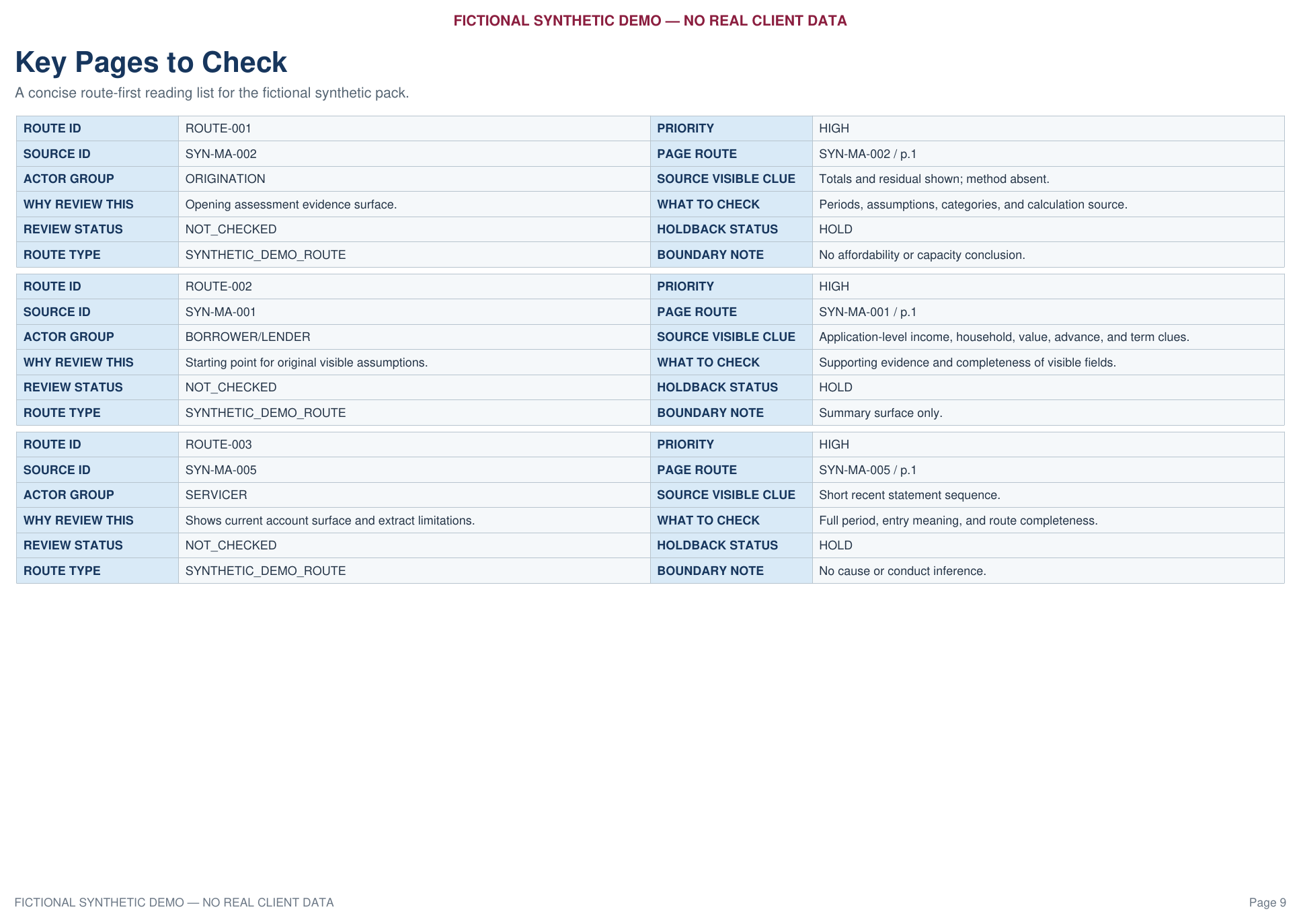
The reviewer receives a short route-first reading list showing why each page matters and what must be checked.
03
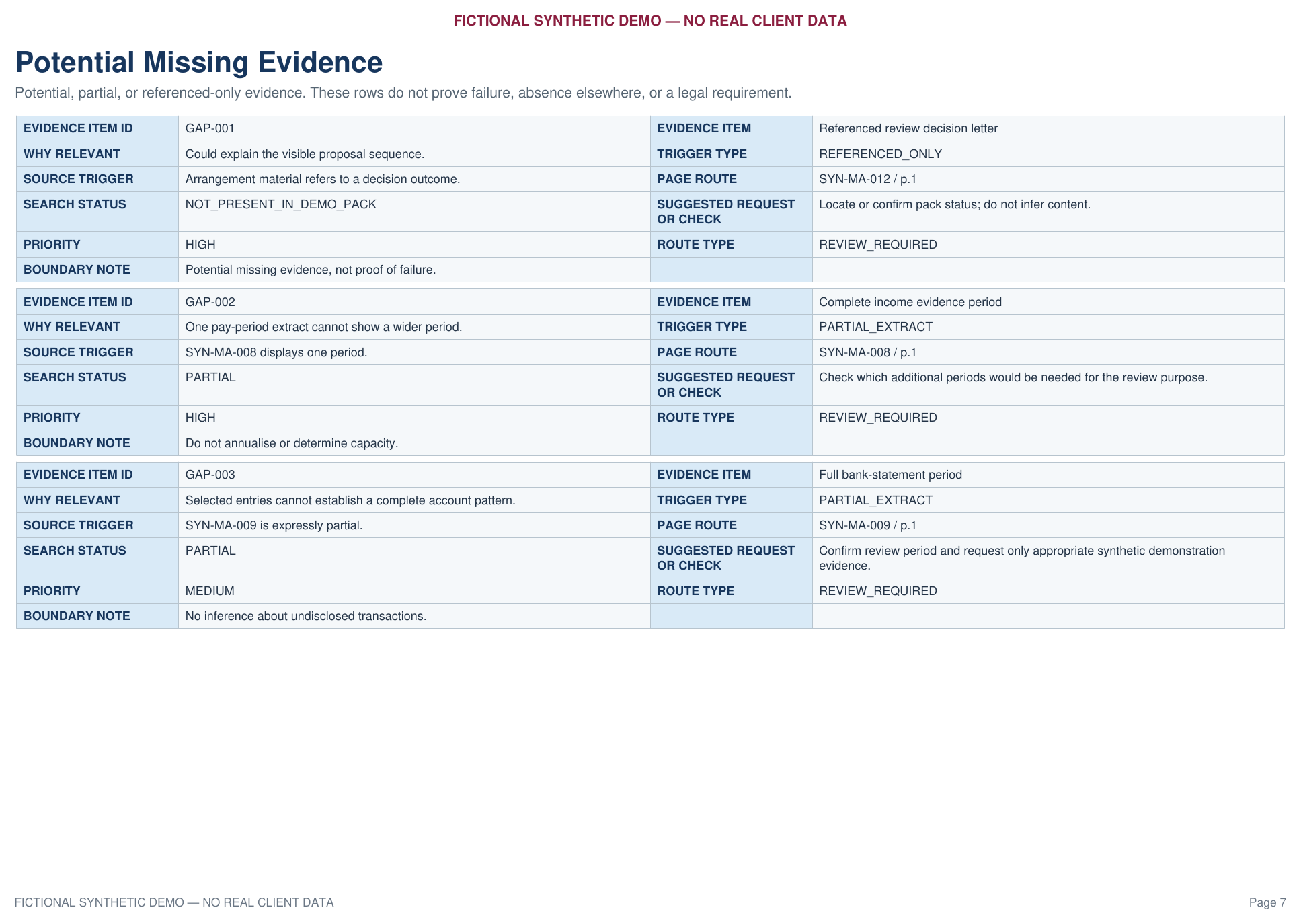
Partial or referenced-only material is identified carefully without declaring fault, failure or legal significance.
04
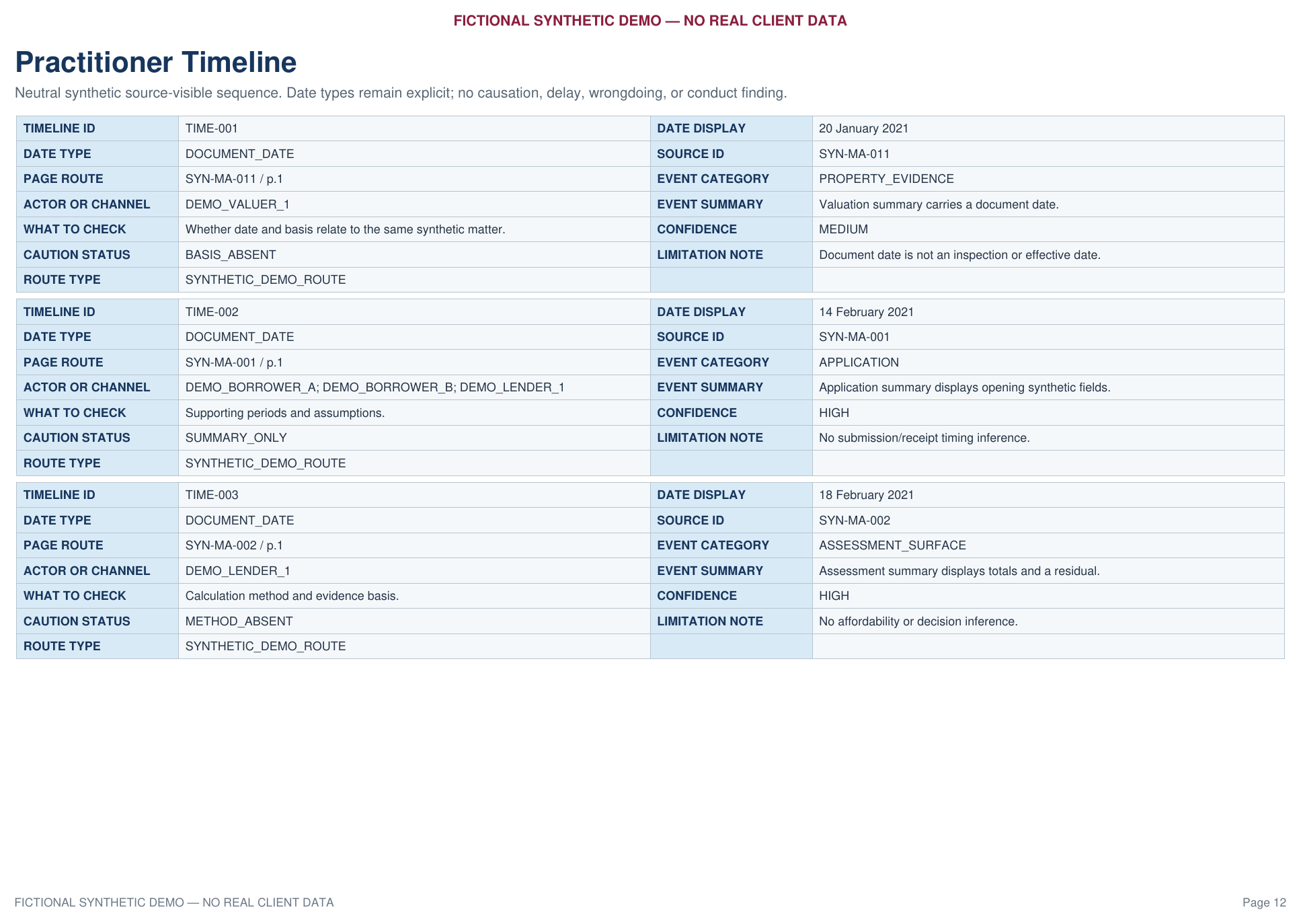
Document dates, received dates, effective dates and approximate periods remain visibly distinct.
05
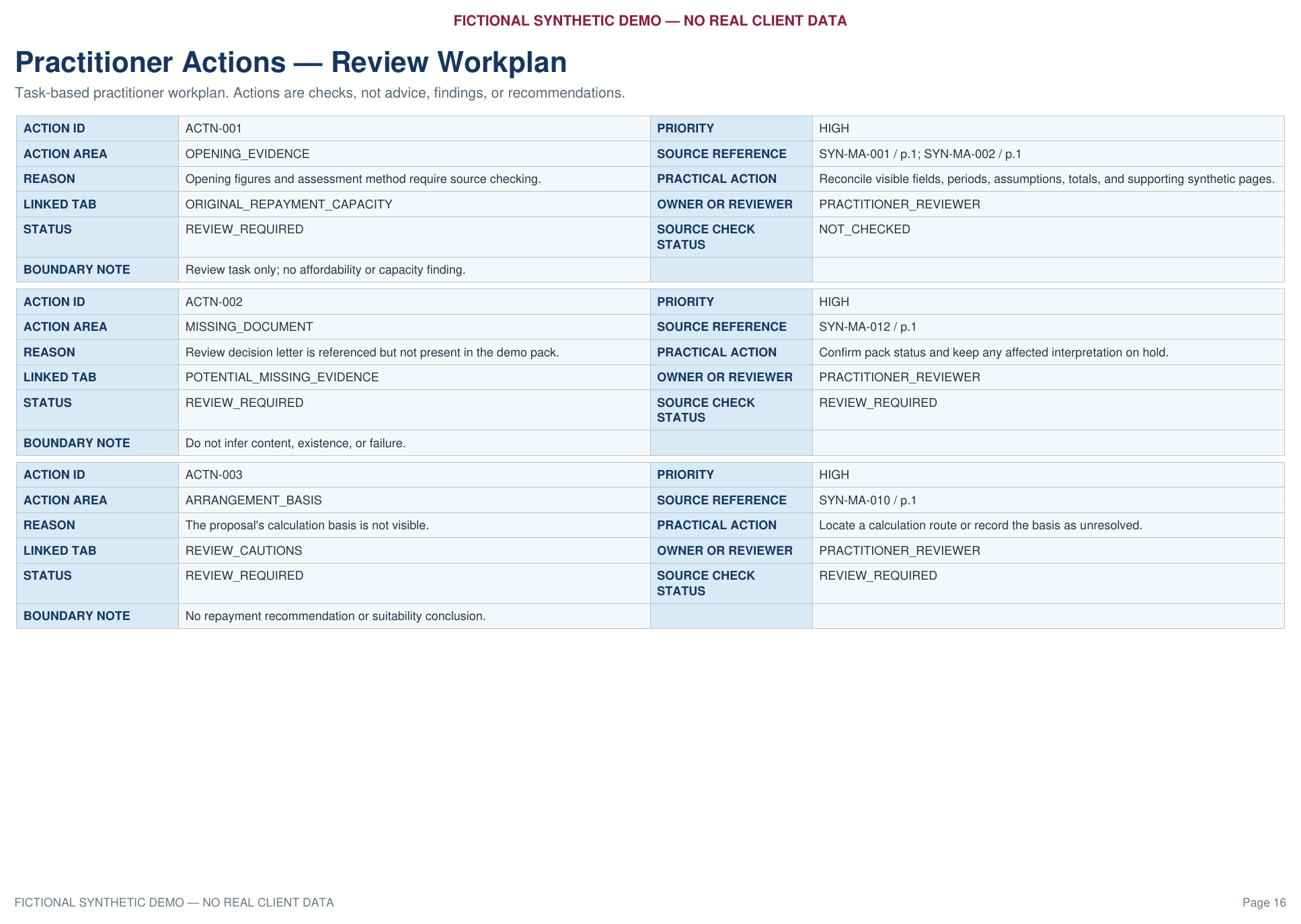
The workplan identifies the reason, source route, practical action, owner, status and boundary for each task.
06
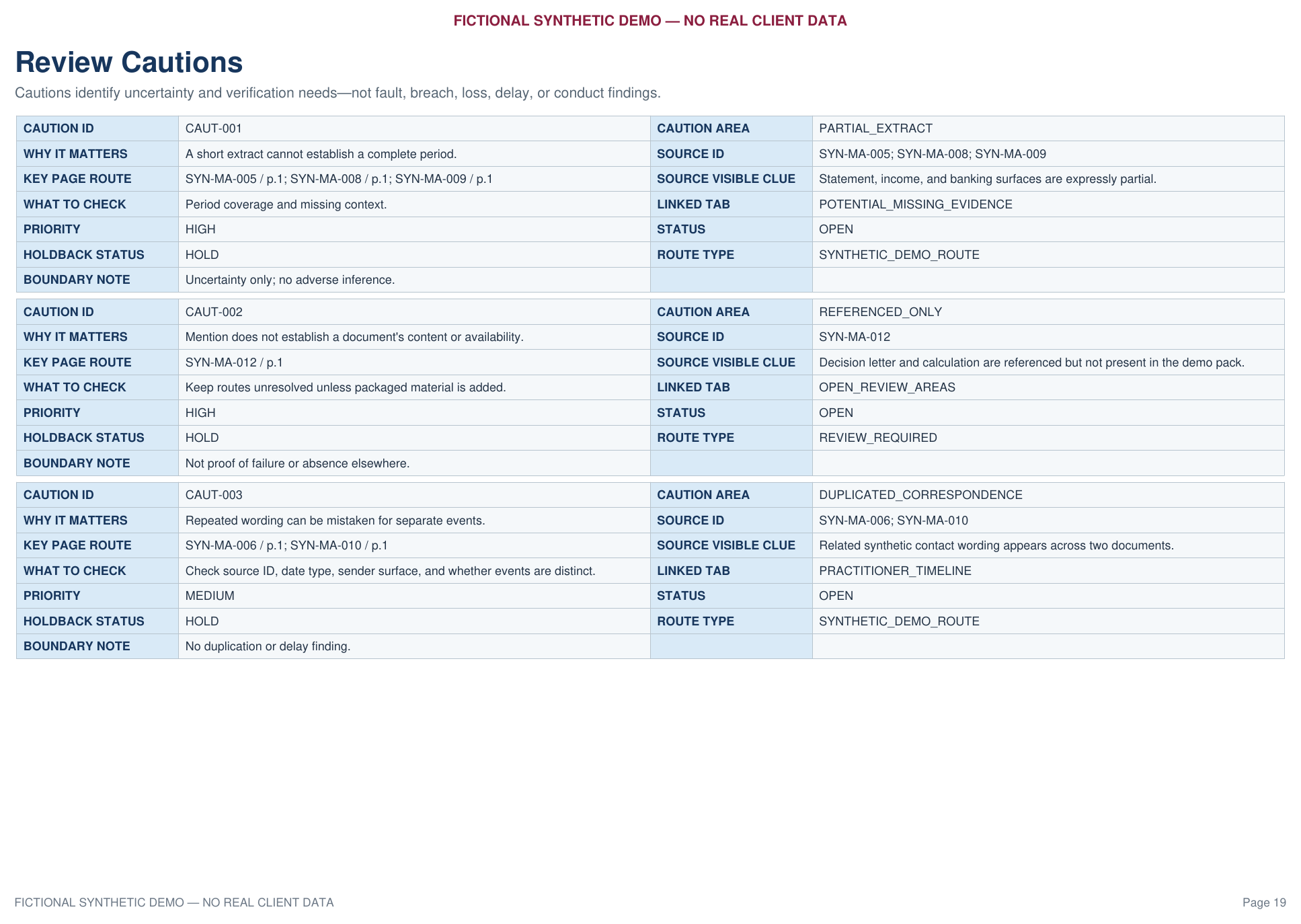
Cautions show where partial evidence, unclear roles, duplicate wording or absent calculations require restraint.
07
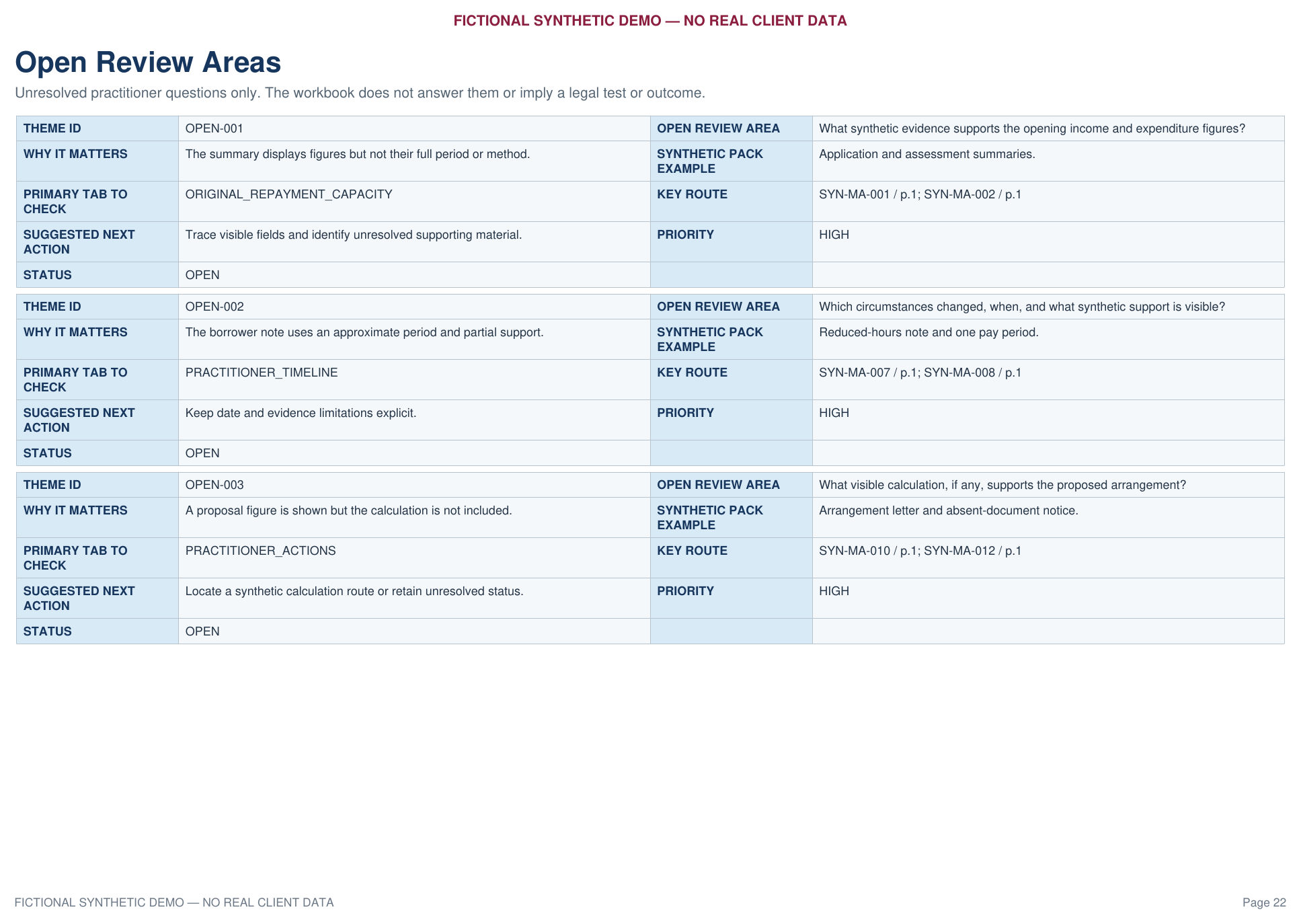
The workbook does not manufacture answers. It identifies unresolved areas and routes the practitioner back to the relevant sources.
08
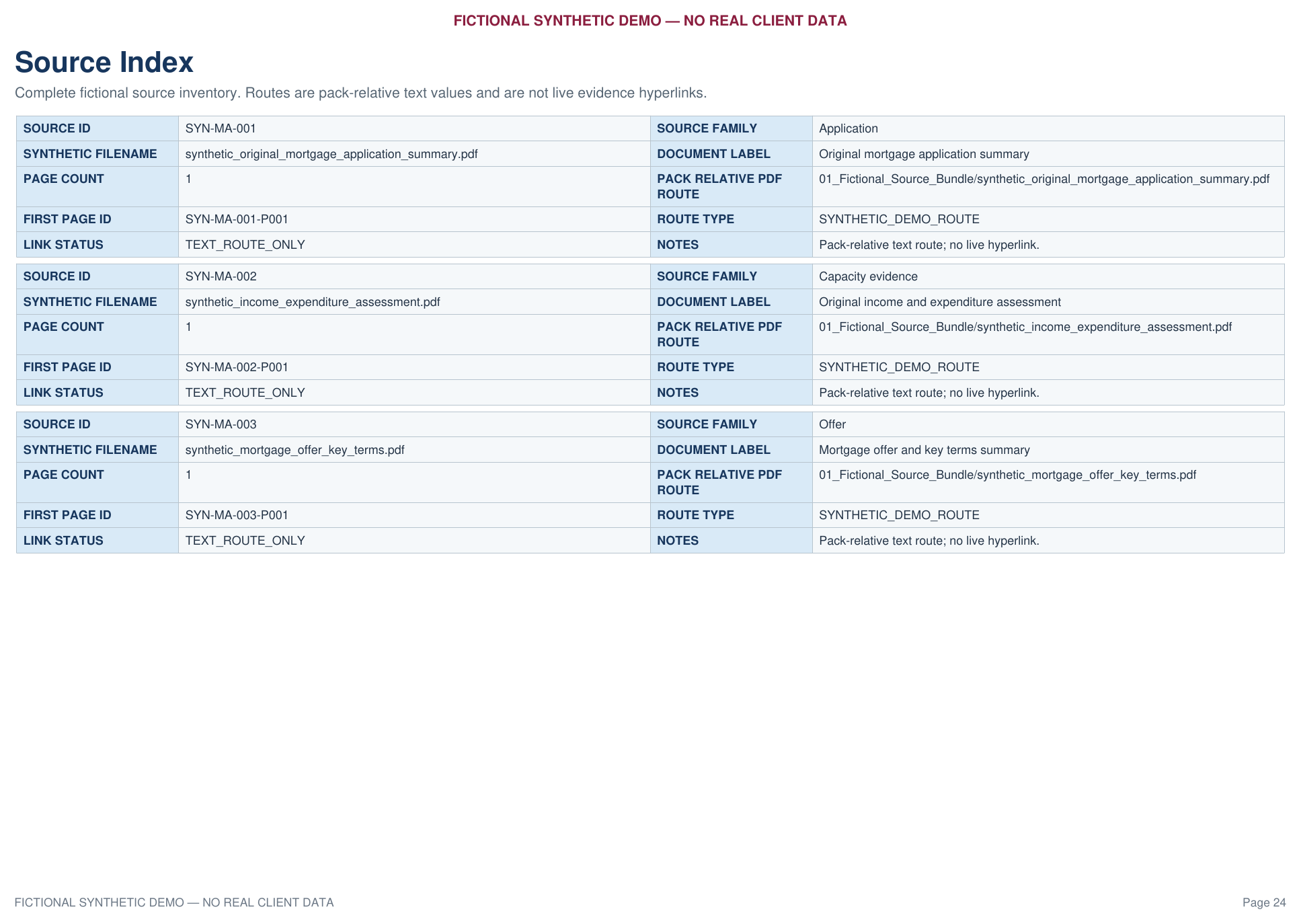
The source index classifies the fictional documents and preserves pack-relative routes for checking.
09
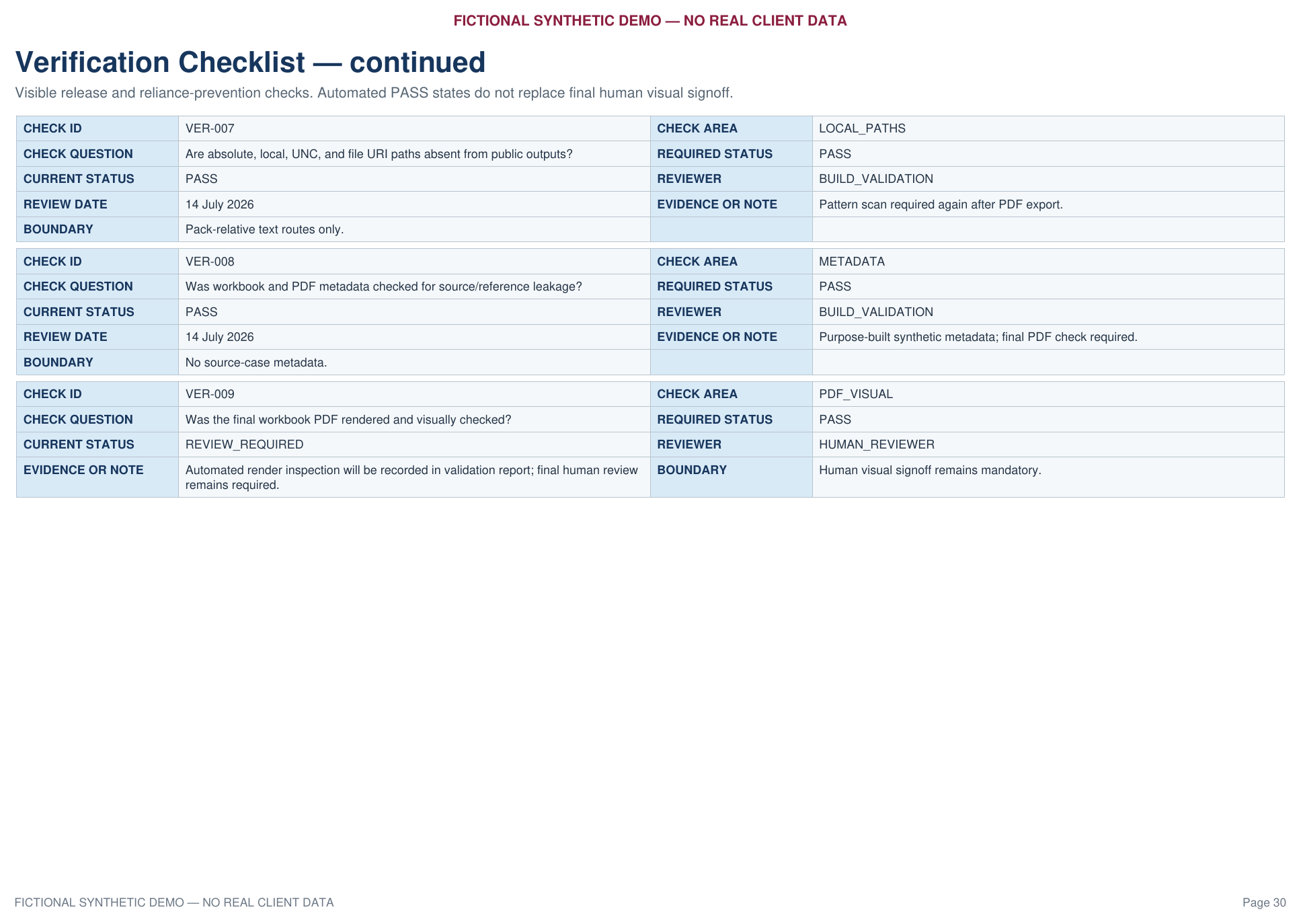
The demonstration includes visible structural, sanitisation and human-signoff controls.
Start with the bundle type, approximate number of files, approximate number of pages, current condition and required output.
Discuss a document bundleDo not send confidential or client documents during the initial enquiry.